Create a NuCorder Account
Stanislas_M
To start using NuCorder, create your account and verify your email address. Signing up is free!
Open the sign-up form.
Enter the requested information.
Enter the verification code sent to your email.
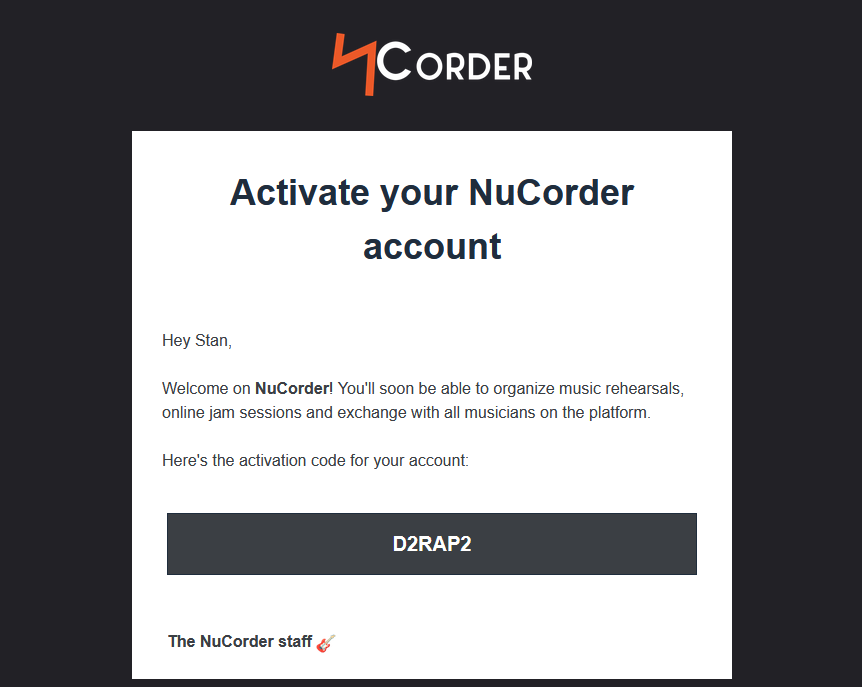
Your email address is now verified, and you’re automatically signed in to NuCorder. The onboarding flow will guide you through checking the requirements, installing NucorderDesktop (our software for playing music together in real time), and starting a test session.
Each musician in your group needs to create their own account to join a session.
Didn’t receive the code? Make sure the email address you entered is correct and check your spam or junk folder. If the problem persists, contact our team.
Still need a hand?
Our team is happy to help.