Public sessions to meet other musicians
A set time, a music style and visible availability make it easier to meet and play together.

Since our last article, we’ve fixed several issues, continued testing our servers’ capacity, and improved session management. Here are the latest updates to help you play with your band or meet new musical partners!
Public sessions to meet and play with other musicians
Asking to play with someone you don’t know can feel intimidating. It’s not always clear whom to ask, or whether anyone will be available at the same time.
In NuCorder’s early public days, we offered a room that was always open. But without a scheduled time, it was hard to attract musicians. As with any get-together, the first challenge is finding a time that works for everyone.
Public sessions can now be scheduled for a specific date and time, and tagged with a music style. Find them in the Sessions tab.
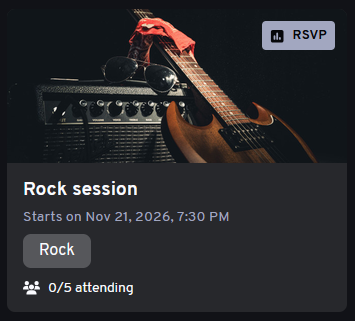
Let us know if you’re coming
Interested in a session? RSVP to save your place. You can change your response if your plans change, and you’ll receive reminders before the session.
Didn’t RSVP but want to join at the last minute? You can still join if there are spots available.
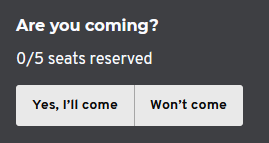
Is there room left?
Before joining a room, you can now see how many musicians are already there and the room’s maximum capacity. That way, you’ll know whether more musicians can still join.
Capacity depends on your plan: Free rooms can host up to 2 musicians, while Premium rooms can host up to 10.
Get your setup ready
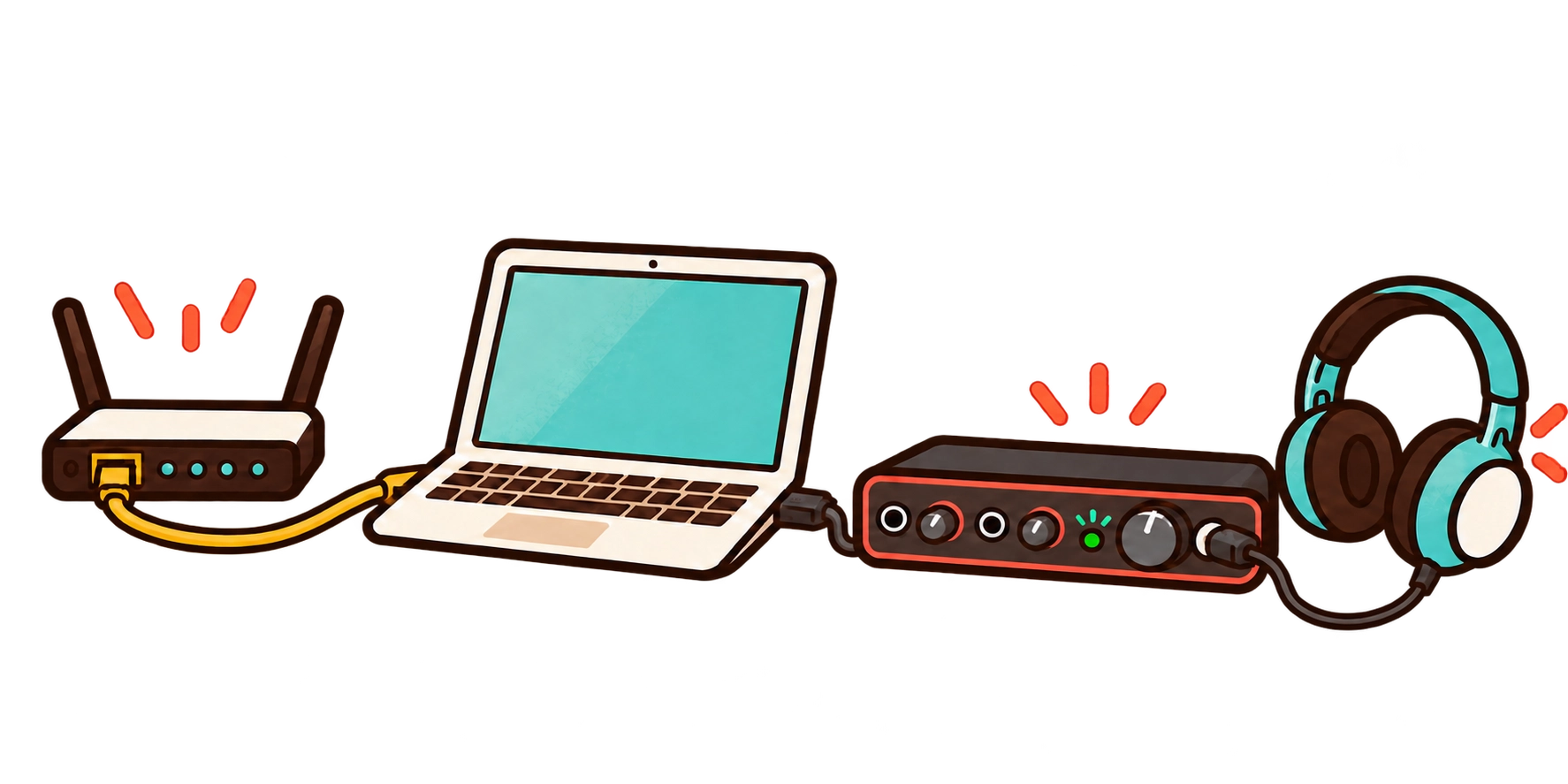
A stable internet connection is important for the best experience. Fiber is recommended; if you can, connect your computer by Ethernet instead of using Wi-Fi.
An external audio interface is also recommended to reduce latency. Wired headphones help prevent sound from your speakers being picked up by your microphone. For more setup advice, see our guide Getting Ready for Your First NuCorder Session.
NucorderDesktop keeps evolving
We’re continuing to improve the audio software. The latest beta, NucorderDesktop 2.0.0-beta.36, can display the input channel names provided by your audio driver. This makes it easier to identify the right input when your audio interface has several channels, such as the Focusrite Scarlett 18i20.
It also improves audio stability, recovery after some interruptions, and the security of connections to NuCorder’s real-time service.
To try these improvements, download the latest NucorderDesktop beta.
Behind-the-scenes infrastructure improvements
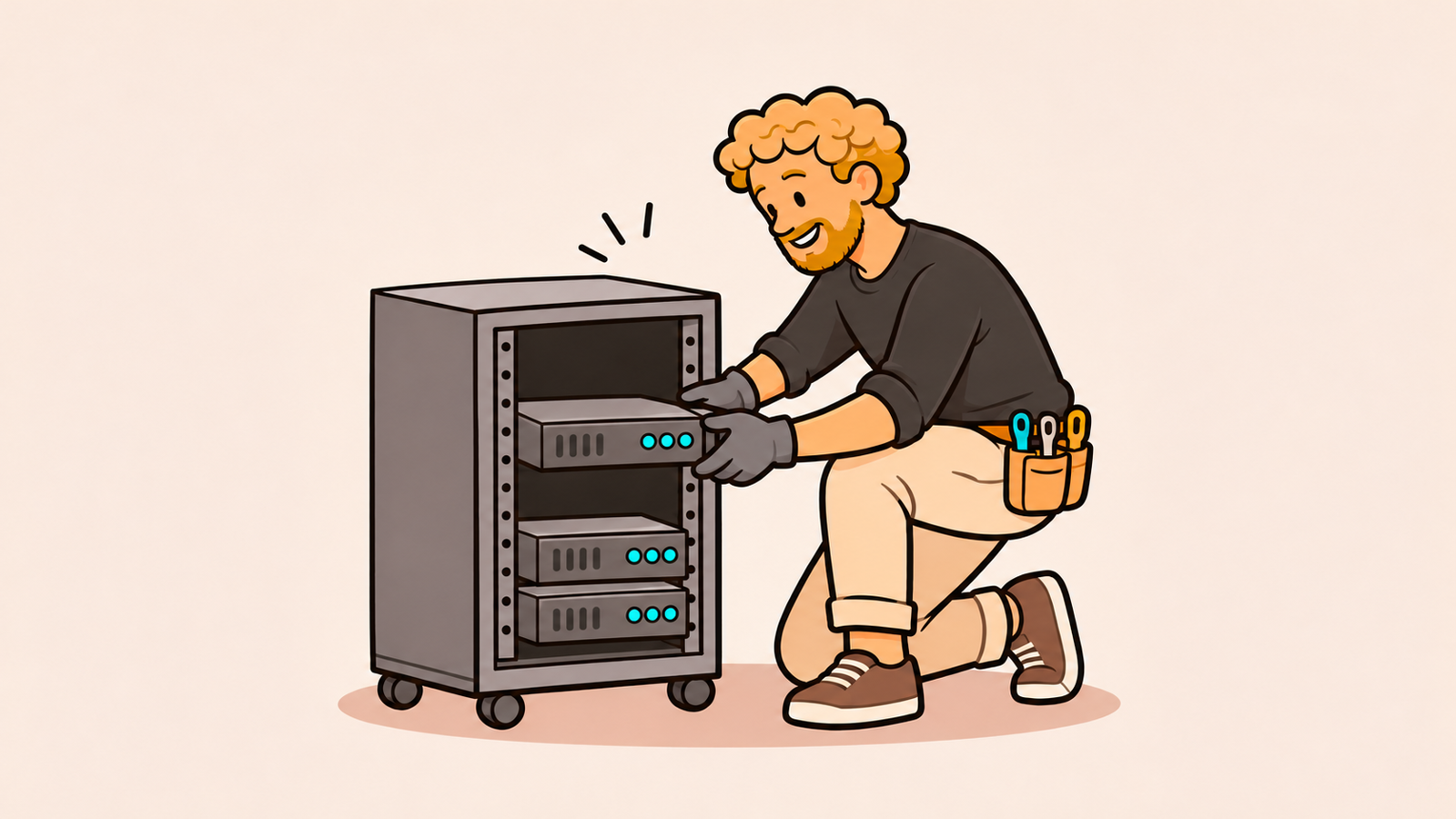
Not every improvement is visible in the app. We’ve developed new capacity tests to better understand how our servers behave and size them based on measurements. In some regions, we’ve prepared preconfigured server images to reduce the steps needed to bring new machines online. We’ve also strengthened the resilience of our infrastructure.
This work should help rooms start faster and help NuCorder respond better when problems occur. Ultimately, the goal is a smoother, more reliable experience for all musicians.
Have you joined a public session, or run into a latency issue? Contact us through the help center or the contact form. Your feedback helps us improve the playing experience and choose what to work on next.