Local monitoring and two-factor authentication on NuCorder
Hear your instrument without waiting for the server, protect your account and react to messages from your contacts.
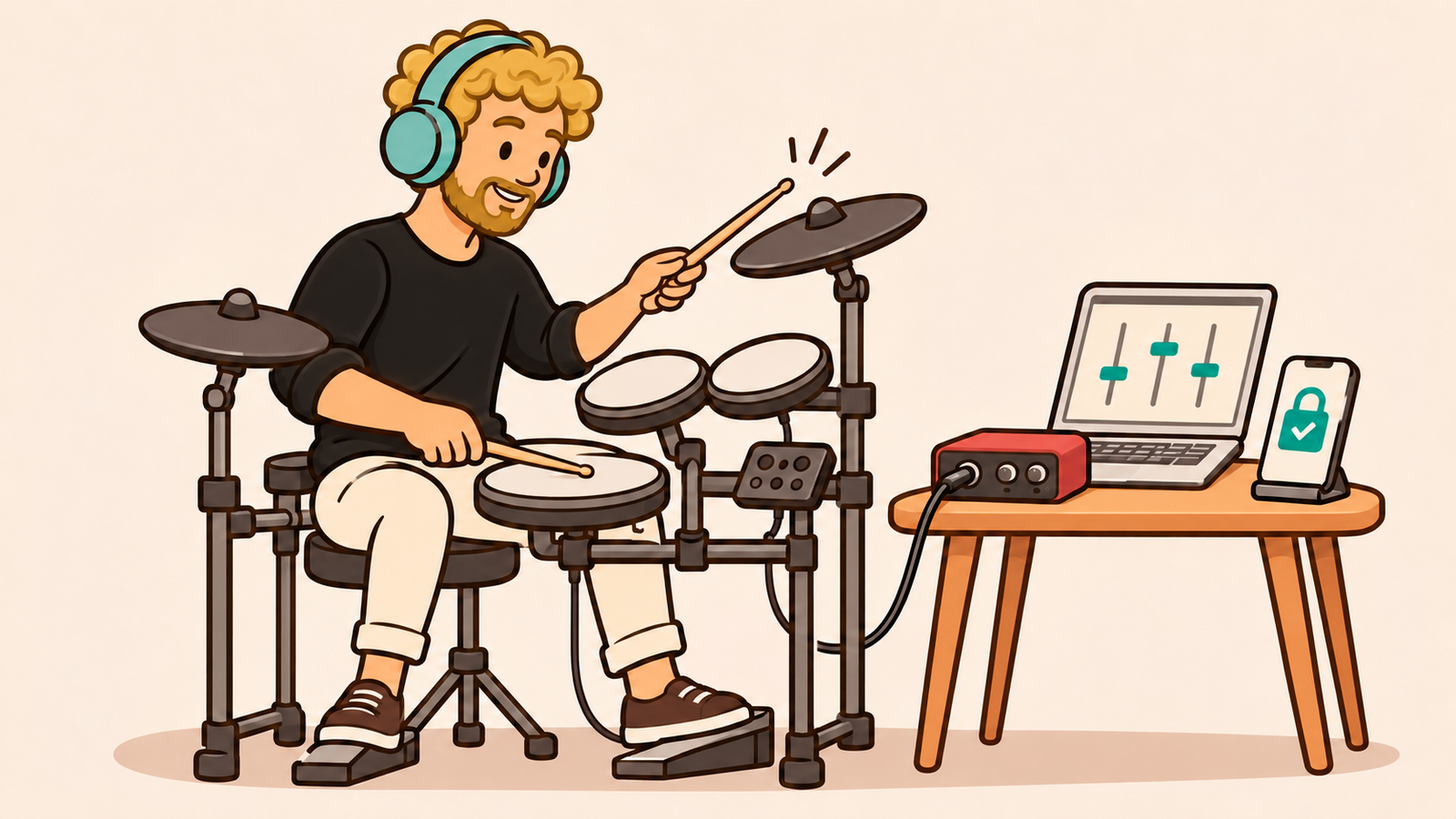
Local monitoring is now available in the NuCorder mixer! It lets you hear your instrument without waiting for its sound to travel to the server and back, while still hearing the other musicians. This update also adds two-factor authentication and reactions to private messages.
Hear your instrument without the network round trip
When you play in a NuCorder room, your instrument’s sound is sent to the server, mixed with the other musicians’ audio, then sent back to your headphones. This lets you hear the whole band, but it also adds a delay to your own sound.
For drummers, hearing each hit come back with that delay can be particularly distracting. The same applies to other instruments when you want to hear what you play as immediately as possible.
The new local monitoring feature lets you hear your own track directly through NucorderDesktop, without waiting for the network round trip. You still hear the other musicians through the server, and they receive your instrument as before.
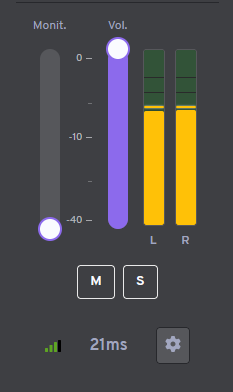
In your own mixer channel, raise the “Monit.” fader beside the volume control to enable local monitoring and adjust its level in your headphones. Move it all the way down to turn it off and hear your instrument through the server again. This setting does not change the volume the other musicians receive.
Local monitoring keeps the processing and effects applied in NucorderDesktop. When you enable it, your own track is removed from the mix the server sends back to you: you won’t hear both the local signal and a delayed copy from the server.
To try it, install the latest beta version of NucorderDesktop.
Protect your account with two-factor authentication
You can now add a second verification step when signing in to NuCorder. With two-factor authentication, or 2FA, you provide a code after entering your password. Someone who knows your password would also need that code to access your account.
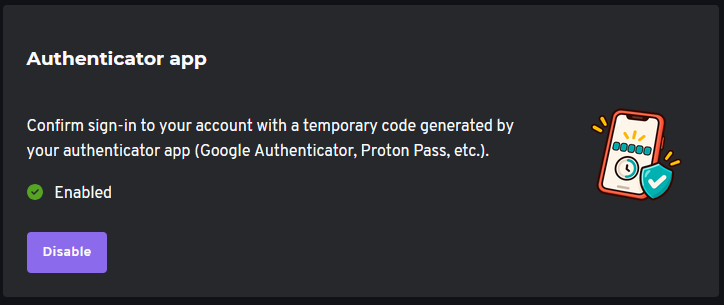
You can enable this protection under Account → Security → Two-factor authentication. Three methods are available:
An email code, sent to your address when you choose this method to sign in.
An authenticator app, which generates temporary six-digit codes. Scan a QR code to link your NuCorder account to the app.
A YubiKey that supports Yubico OTP, which generates a code when you touch it.
Two-factor authentication is optional for musician accounts, but we recommend enabling it to help protect your account: enable two-factor authentication.
React to messages from your contacts
Don’t feel like typing a full reply? Does “OK” sound a little abrupt? You can now add emoji reactions to private messages.

On a computer, hover over a message to open the reaction picker. On your phone, press and hold the message.
Better server selection and more desktop improvements
We’re continuing to improve how audio room servers are managed, particularly how we choose the server that will host your room. The aim is to find a server with a low connection delay for the musicians playing together.
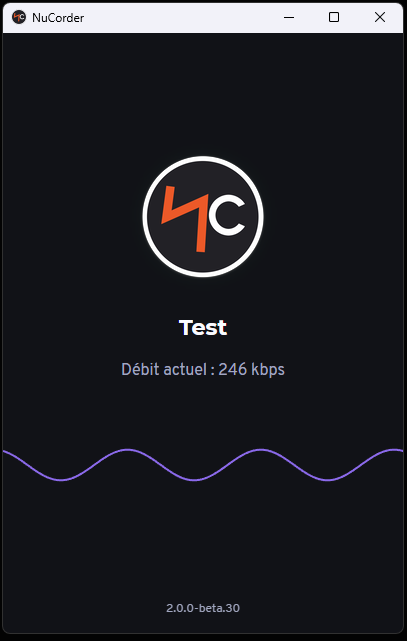
The latest NucorderDesktop beta also includes an animation that responds to your audio input level, giving you a quick way to check whether the software is picking up a signal. We’ve also optimized audio processing time and fixed an issue with opening sign-in links on Linux.
Have you tried local monitoring with your drums, guitar or another instrument? Let us know through the help center or the contact form. Your feedback helps us improve the playing experience and decide what to work on next.